
You can hand a tender to a Tendly tender expert who prepares the whole bid for you, and pay a fee only if you win it.
What the experts do
- Watch public tenders across 28 markets and bring you the ones that fit what your company delivers.
- Give each shortlisted tender a risk and gain read.
- Prepare the submission: technical proposal, financial offer, CVs, qualification forms and portal paperwork.
- Hand it back for your review.
You stay the bidder throughout: Tendly never bids in its own name and never delivers the awarded work, and nothing is submitted without your approval. Nobody can promise you a win either — awards are decided by the contracting authority.
Hand over a single tender
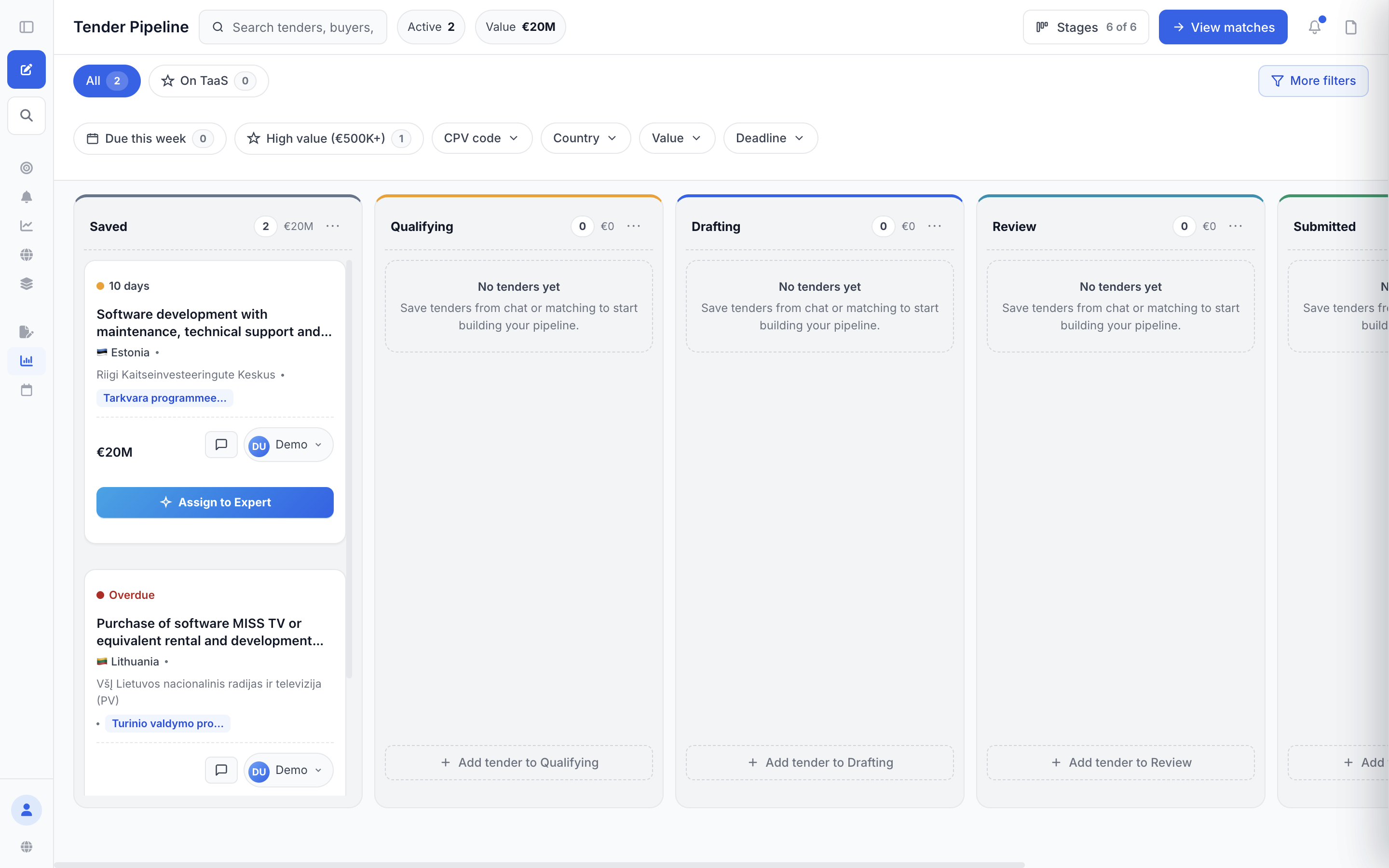
- Open your pipeline and find the tender in "Saved", "Qualifying", "Drafting" or "Review". A card in "Tender Matches" works too.
- Click "Assign to Expert".
- Fill in your name, email and phone in the "Assign to a Tender Expert" window.
- Type the offer you plan to make under "What's your offer for this tender?". The window answers with "If you win at €X", "Tendly success fee" and "You keep" — real numbers, before you commit to anything.
- If you have not accepted them before, tick "I accept the Tender-as-a-Service terms and conditions", then click "Get expert help" — or click "Book a meeting" to talk first.
The card flips to "Tender assigned to expert" as soon as you send the request, and an expert comes back within one working day. When your expert moves the card into "Review", it reads "Waiting for your review". Once an assessment is published it shows "Expert review ready" — click it to read the verdict in the "Notes" tab.
How the money works
- The service is one plan, "Strategist", badged "Done for you" on the plans page. You can pay monthly or yearly (yearly saves around 17%) — the price is on our pricing page — and it starts with a 7-day free trial.
- On top of it comes a success fee, payable only on tenders you win through Tendly — the ones your expert surfaced or supported for you. Lose, and there is nothing to pay.
- The fee is a percentage of your contracted share, excluding VAT. It falls as the contract grows, and the exact schedule is agreed in writing before any work starts.
- No retainer, no per-tender charge, no kill fee; onboarding is free.
- The detail is in the Tender-as-a-Service terms.
Turn the service on and steer it
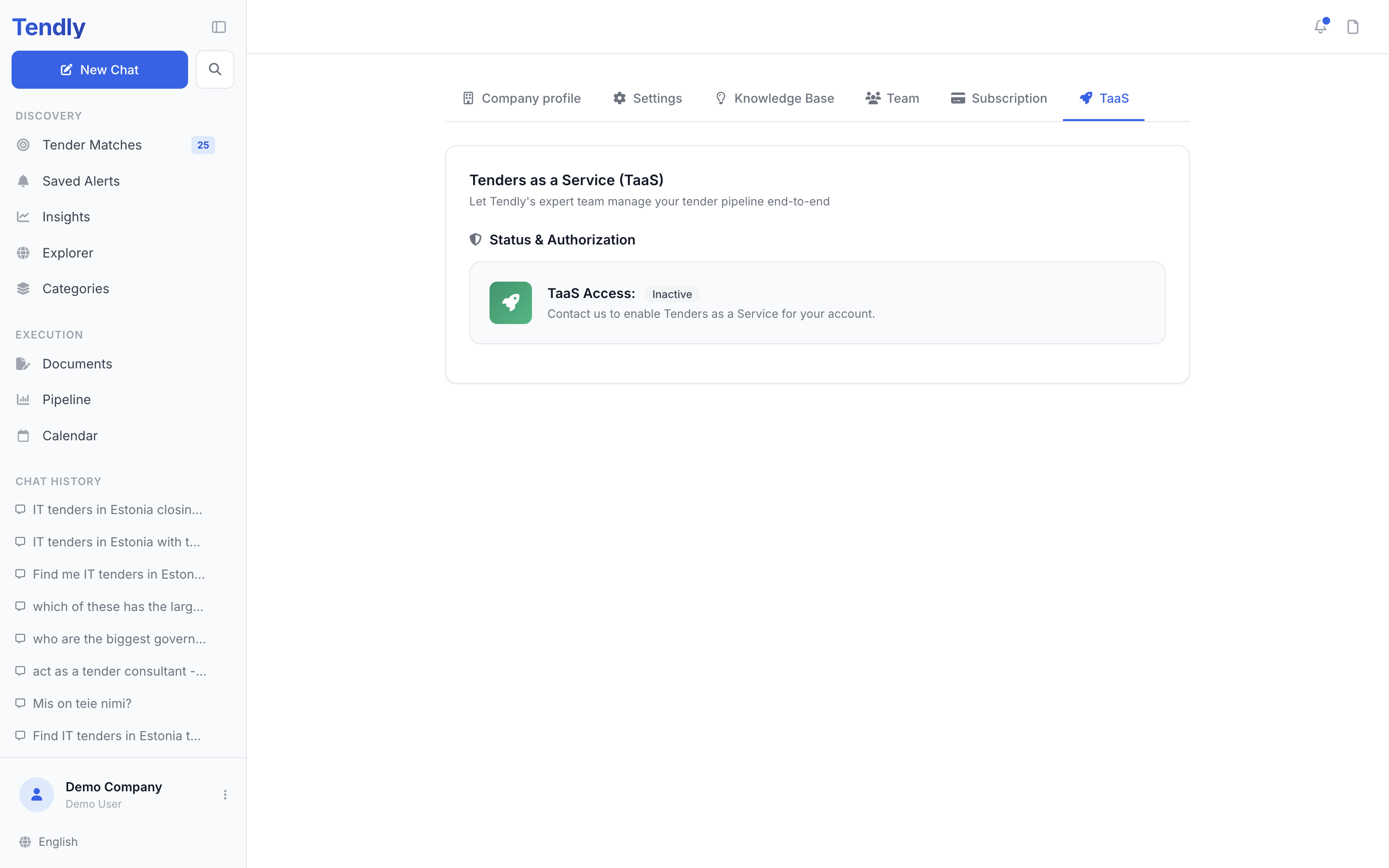
- Click your name at the bottom of the sidebar and choose "TaaS Settings" (also the "TaaS" tab in Settings).
- On a Strategist plan, tick the terms checkbox and click "Accept & activate" — "TaaS Access:" flips to "Active". On other plans the accept prompt is not shown, so start by subscribing to Strategist.
- Fill in the "Bid profile" — revenue, team size, extra people, partners — and click "Save bid profile".
- Put your hard rules in "Notes for your tender expert", one per line; your expert treats them as deal-breakers.
- Activating TaaS already switches on "Allow TaaS consultants to access Company Profile and Knowledge Base", which is what lets your expert read your uploaded files — leave it on, or use the same toggle to withdraw that access.
Strategist clients get an email from their expert on Mondays and Thursdays with up to five reviewed tenders, each claimable for 48 hours with "Accept — we prepare the bid" or "Pass".
What you still provide
- Company documents, certificates, references and CVs.
- The decision on which tenders to pursue.
- Your review and approval of the finished bid, and your own signature — Smart-ID or eID signing happens on your device.
- Delivery of the work if you win.
A "Results" card also offers "Appeal with Tendly" — the appeals service gives a free initial assessment.