Tendly supports team collaboration through Organizations. You can create a team, invite members, and work together on tenders.
How to get there: Click the 'Create Team' button in the navigation bar, or navigate to the Organization page from the menu.
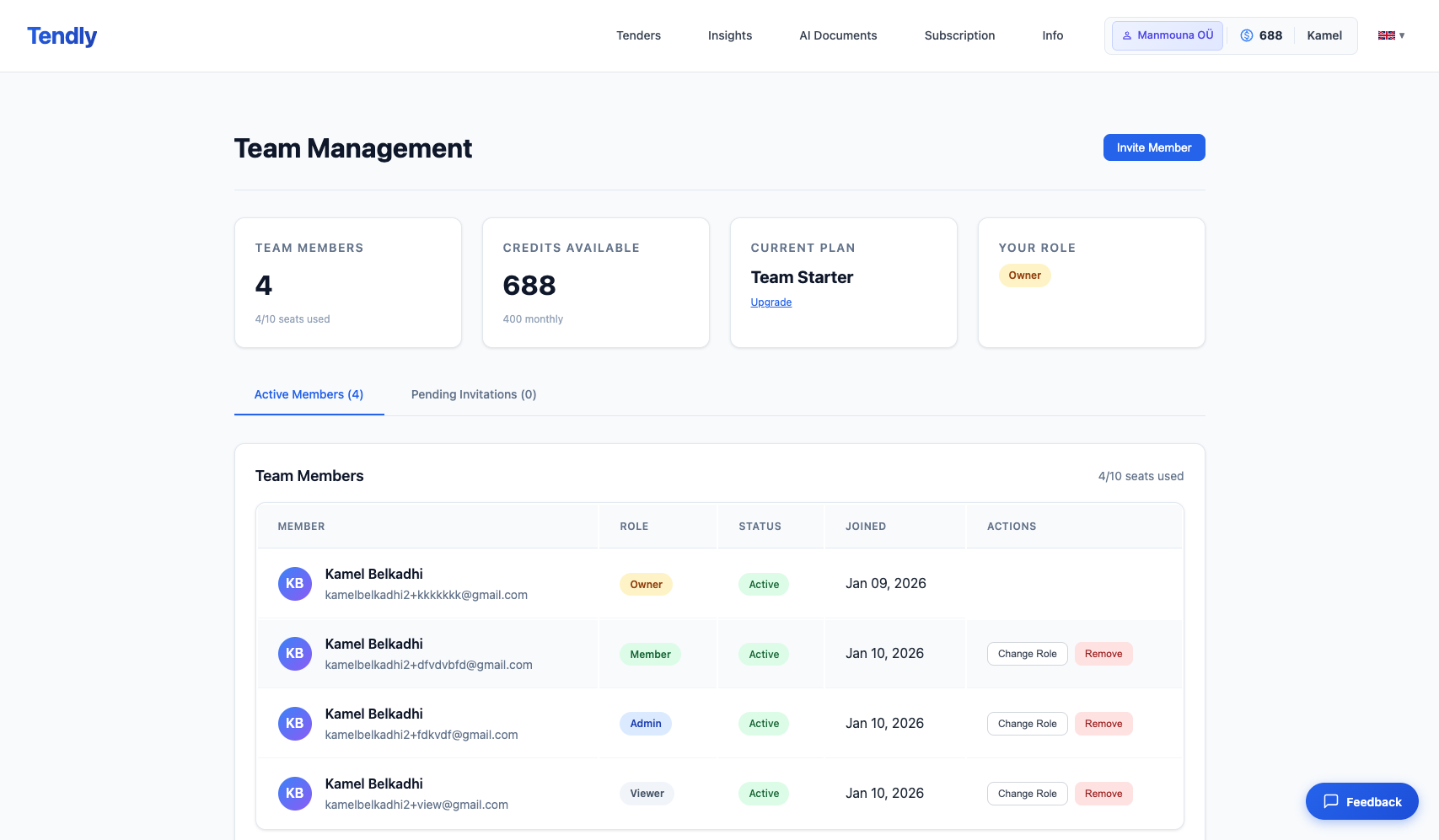
If you do not have a team yet, you will see a prompt to 'Create a Team'. Once created, the Organization page shows your team dashboard.
To set up your team: 1. Click 'Create a Team' 2. Enter your organization name 3. Invite team members by email
Team roles and their access levels: - Admin: Full control over the organization, including managing members, billing, and all settings. Can invite and remove members, change roles, and manage the subscription. - Editor: Can use all Tendly features including tender search, matching, document generation, and pipeline management. Cannot manage team members or billing. - Viewer: Read-only access to shared resources such as saved tenders and matching results. Cannot create or modify content.
Team features include: - Shared tender pipeline where all members see the same saved tenders - Team chat on individual tenders for collaboration - Shared credit pool for AI features - Role-based access control for security