Tendly's alert system ensures you never miss a relevant tender. You can set up custom email alerts based on your criteria.
How to get there: In the navigation bar, click 'Tenders' and select 'Alerts' from the dropdown menu. This is found alongside Tenders, Matching, and Pipeline in the Tenders navigation section.
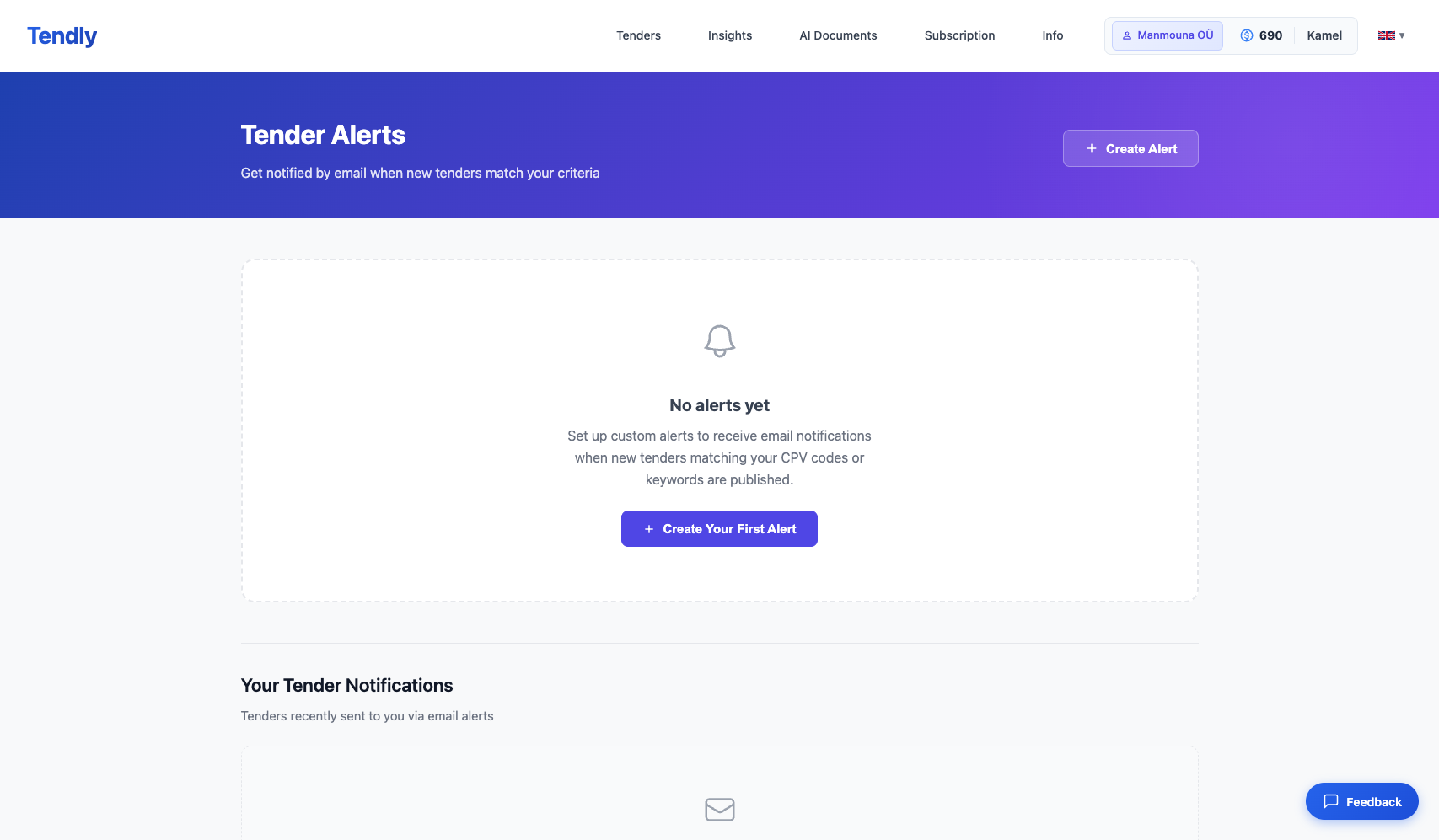
On the Tender Alerts page, you will see: - A 'Create Alert' button at the top to set up new alerts - A list of your existing alerts (if any) - A 'Your Tender Notifications' section showing tenders recently sent to you via email alerts
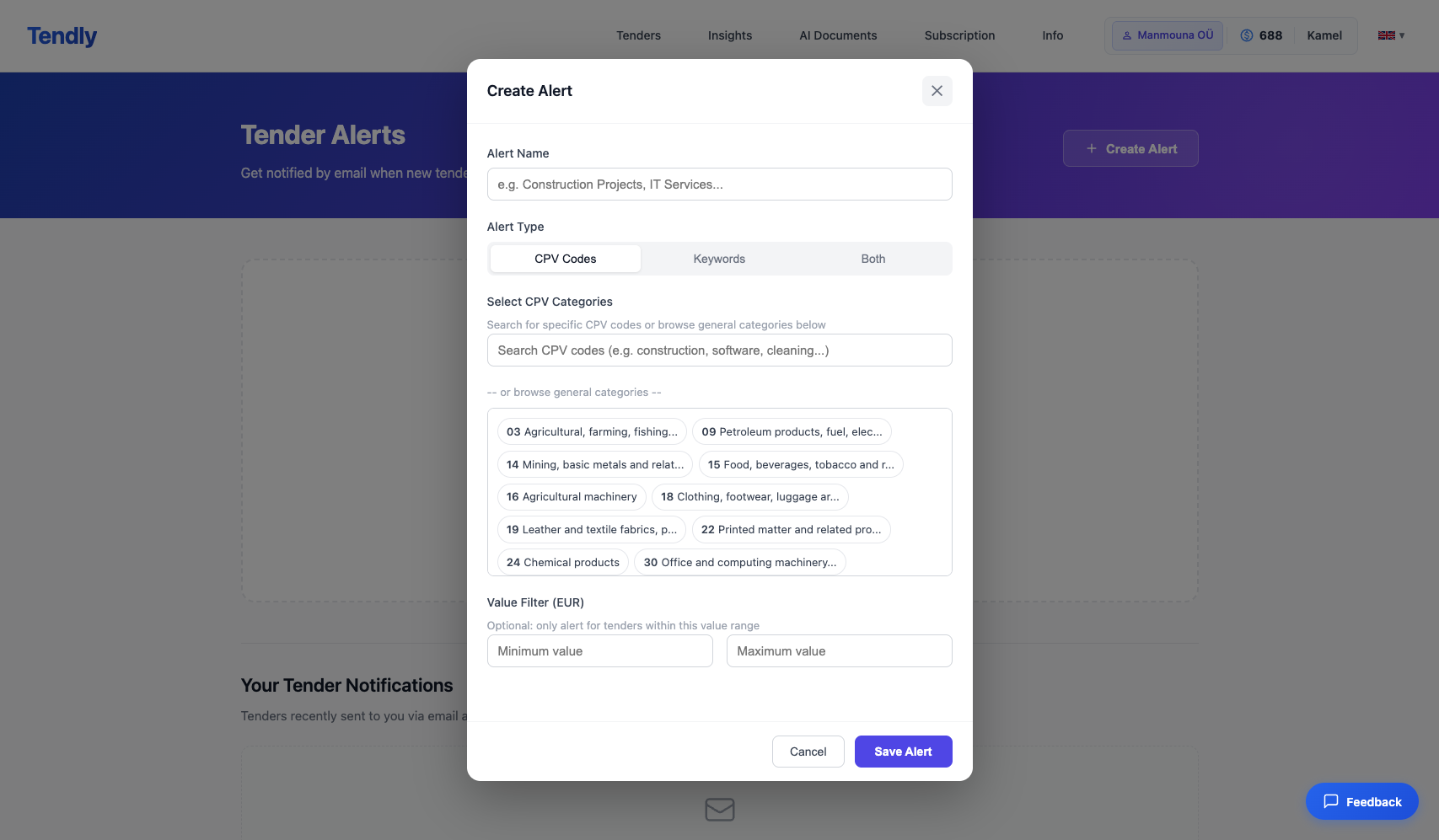
To create a new alert: 1. Click 'Create Alert' or 'Create Your First Alert' 2. In the popup form, define your alert criteria: - Select CPV codes to match specific procurement categories - Add keywords to filter by specific terms - Choose which countries to monitor 3. Choose your preferred alert frequency (instant, daily digest, or weekly summary) 4. Save your alert
When new tenders matching your criteria are published, you will receive an email notification with the tender details and a direct link to view them on Tendly.
You can create multiple alerts for different business areas. Each alert can be enabled or disabled independently, and you can edit or delete them at any time.