The My Profile page lets you manage your personal account settings and preferences.
How to get there: Click on your name or avatar in the top-right corner of the navigation bar, then select 'My Profile' from the dropdown menu.
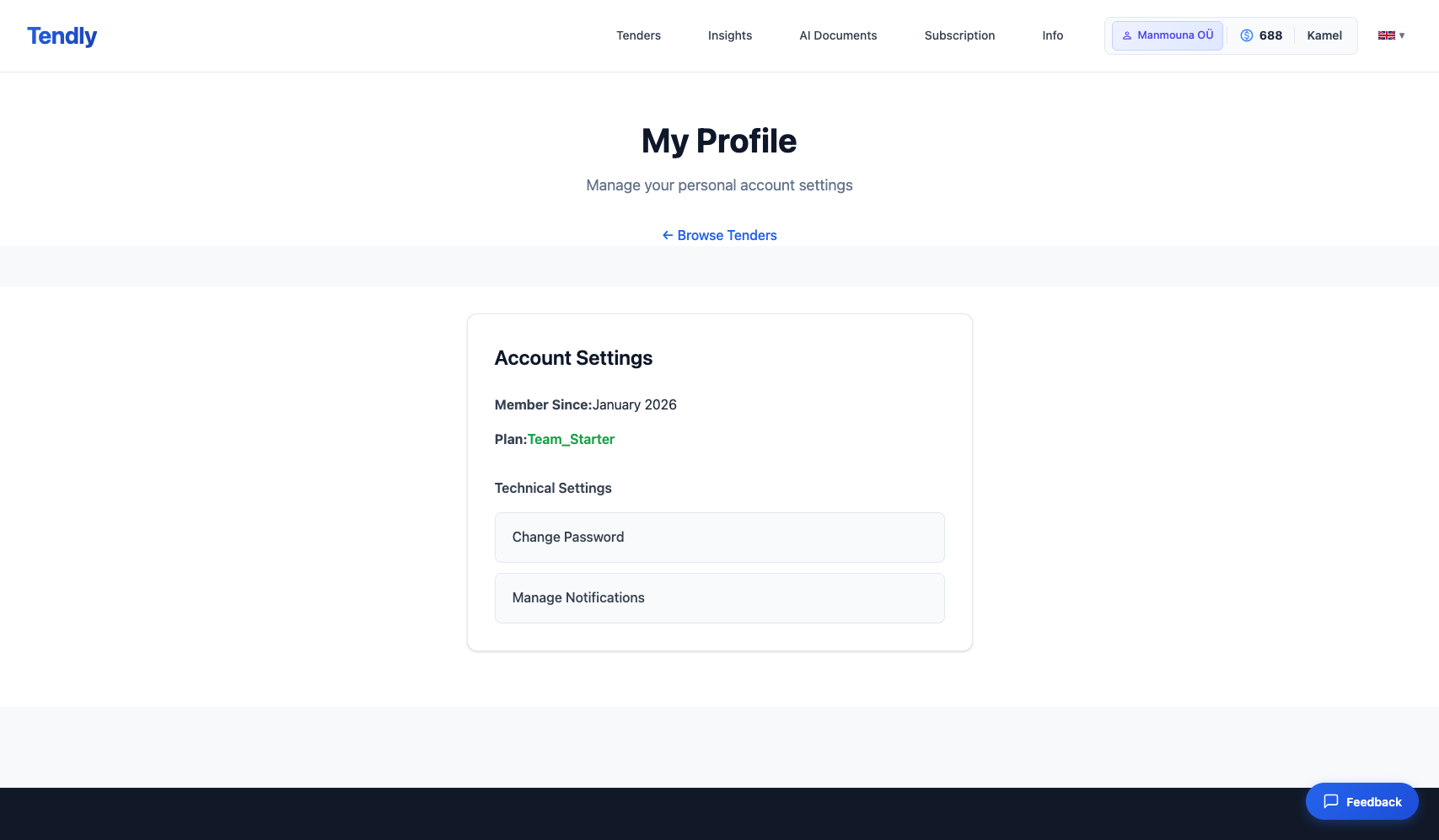
On your profile page, you can see:
Account Settings: - Member Since: The date you joined Tendly - Plan: Your current subscription plan (Free, Professional, or Enterprise)
Technical Settings: - Change Password: Update your account password - Manage Notifications: Control your email notification preferences for tender alerts and other communications
For managing your company information, CPV codes, business description, and uploaded documents, use the Company Profile page (accessible from the navigation dropdown under your name).